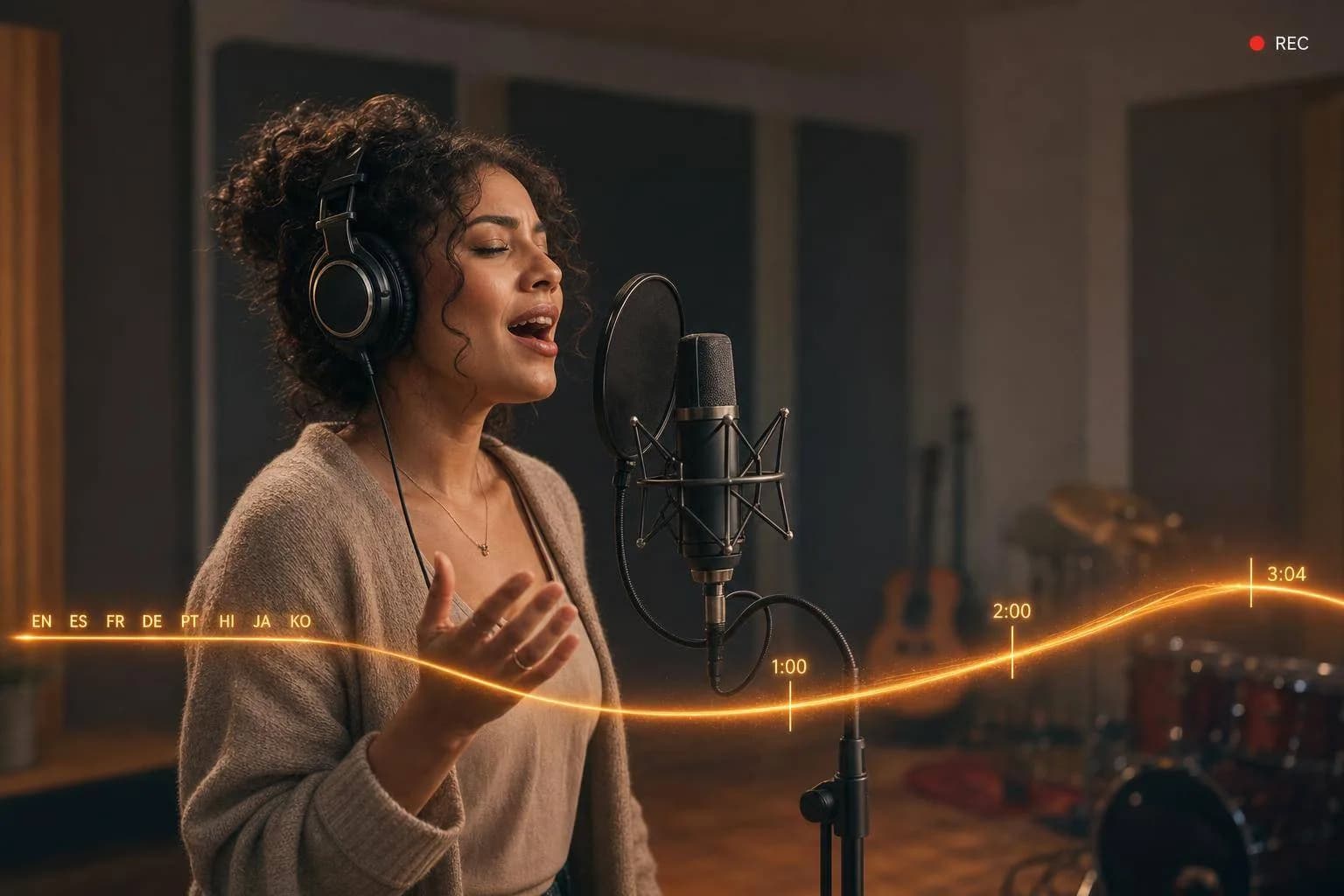
Lyria 3.5 Adds Expressive Vocals and Longer Songs
Explore Lyria 3.5 in Google Flow Music, including expressive vocals, clearer lyrics, 184-second tracks, structured prompts, API access, and workflow limits.
If I had to sum it up in one line: Lyria 3.5 looks most useful when I need clearer singing, better lyric delivery, and songs that hold together for up to 184 seconds.
Here’s the short version:
- Vocals sound like the main update. I’d check tone, emotion, breath control, and whether the singer stays steady from start to finish.
- Length matters more now. The model can handle tracks up to 3 minutes and 4 seconds, so I’d test full song flow, not just a strong first 20 seconds.
- Structure is prompt-led. Tags like
[Verse],[Chorus], and[Bridge], plus timestamps, help shape the song. - Language support is broad. Pronunciation is tuned for 8 languages: English, German, Spanish, French, Hindi, Japanese, Korean, and Portuguese.
- Workflow limits are clear. There’s no multi-turn editing, so each result is a one-shot generation. If I want a better take, I rerun the prompt.
- Best use cases are easy to spot. Ads need clean hooks, games need stable repeat sections, education needs clear words, and creator teams need fast draft-to-final flow.
If you’re deciding whether to use it, I’d keep the test simple: Can the vocals stay natural? Can the song stay on track for 184 seconds? Can my team use the output without a long cleanup pass?
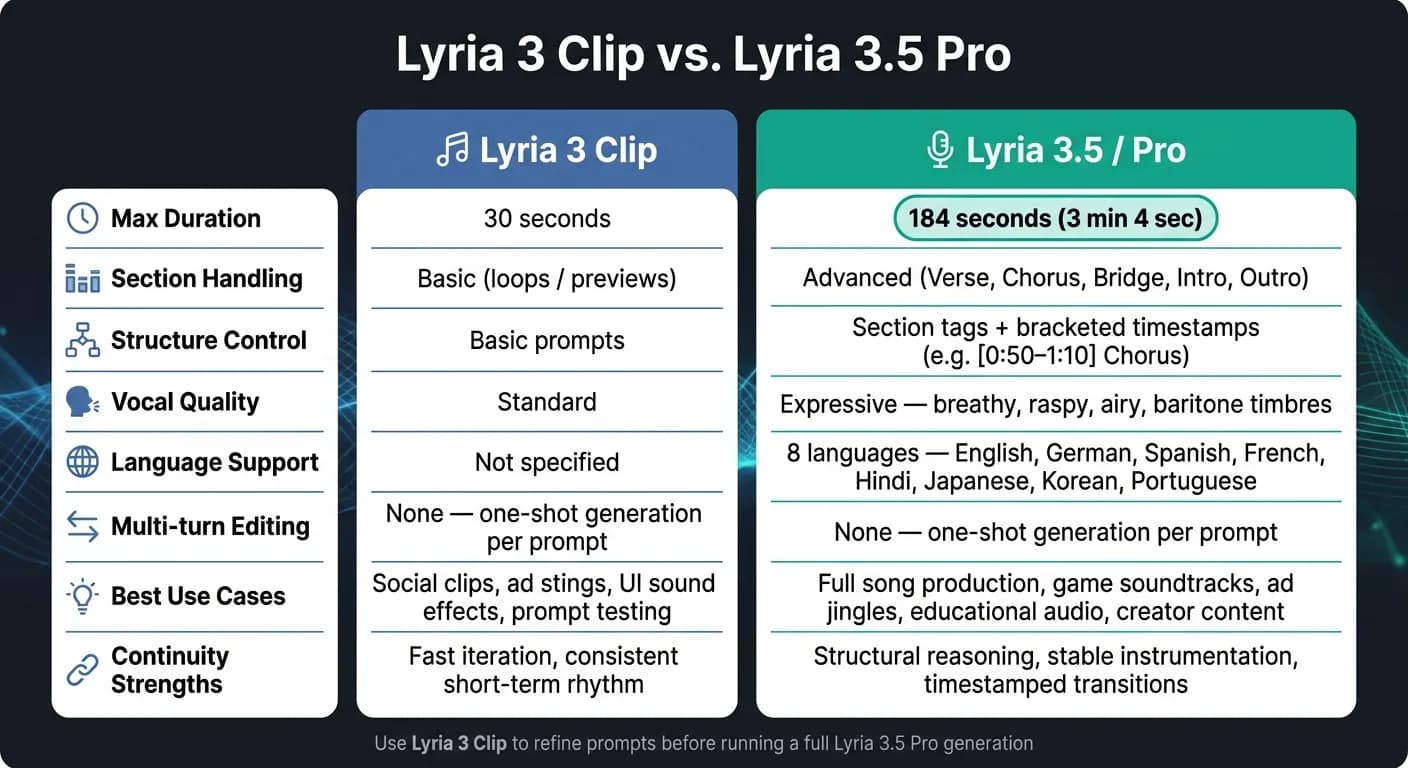
Google DeepMind Launches Lyria 3.5 In Flow Music
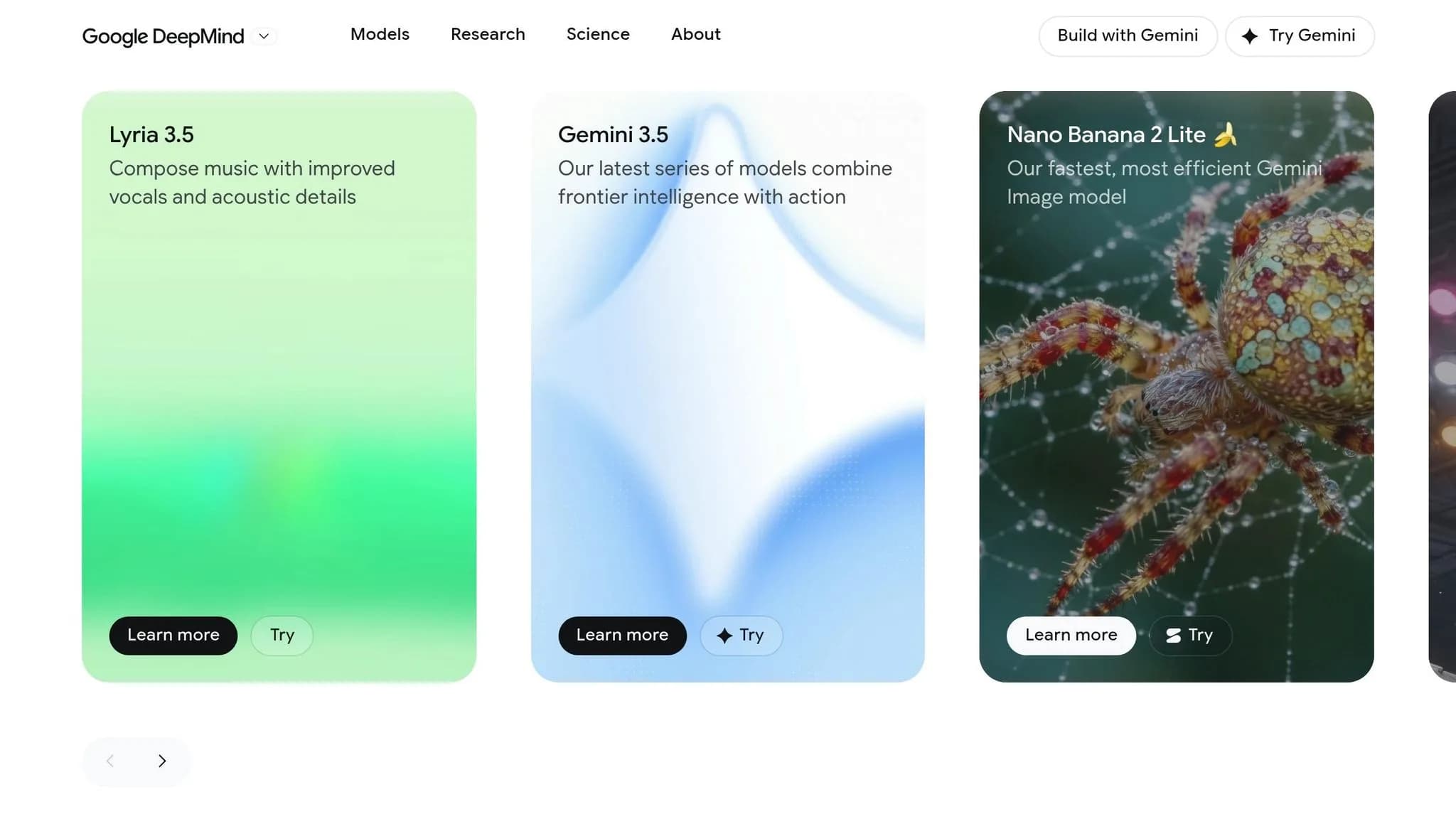
Quick comparison
| Model | Max length | Main use | Structure control | Best for |
|---|---|---|---|---|
| Lyria 3 Clip | 30 seconds | Short music ideas | Basic | Social clips, ad stings, rough prompt testing |
| Lyria 3.5 / Pro | 184 seconds | Song-length output | Section tags + timestamps | Ads, games, education, longer creator tracks |
I see Lyria 3.5 as less about “new features” and more about one plain question: does it save time once I move from short demos to tracks I can publish or ship?
Expressive vocals: what changed and how to judge the difference
Google DeepMind says Lyria 3.5 improves musicality, lyrics, and vocal quality [1]. What matters in practice is simpler: what can you actually hear, and what can you check for yourself.
Vocal realism, dynamics, and emotional phrasing
Start by listening across the entire track, not just the first few lines. The key test is whether the voice stays natural from one phrase to the next. Lyria 3.5 supports more nuanced delivery, including breathy verses, smooth choruses, and light harmonies [1]. Those details can make a song feel expressive instead of flat and machine-like.
A good way to test this is to use direct timbre prompts like "breathy", "raspy", "airy," or "deep baritone" [4]. Then listen closely. Does that vocal texture stay steady through the whole song? Do phrase endings land in a natural way, or do they feel clipped or odd? After that, push it further with a longer arrangement and see if those vocal gains still hold up.
Pronunciation and lyric clarity in generated songs
For ad jingles and branded content, lyric intelligibility isn't optional. If people can't make out the words, the message gets lost. Lyria 3.5 aims to help here with clear vocal separation from the instrumental, even in dense arrangements [1].
Pronunciation is optimized for eight languages: English, German, Spanish, French, Hindi, Japanese, Korean, and Portuguese [5]. If you're making music for an international campaign, write the prompt in the target language.
Then give it a stress test. Use a dense mix and check whether the vocal stays intelligible from start to finish. After that, extend the song into a multi-minute track and listen again. The point isn't just whether the words sound clear at the start, but whether that clarity lasts as the arrangement grows.
Longer context: how Lyria 3.5 handles song-length structure
From short clips to multi-minute song structure
The jump from a 30-second clip to a 3-minute track changes more than length. It changes the whole shape of the music.
Short clips usually work as loops or one-section previews. Lyria 3.5, by contrast, can handle full song structure - intros, verses, choruses, bridges, and outros - in a single generation up to 184 seconds [5]. So the main test isn't just whether the model can keep going. It's whether the song still feels planned after that first section ends.
Google says the model plans song structure before it generates audio, which helps transitions stay coherent [2].
You can guide that structure in the prompt with section tags like [Verse], [Chorus], [Bridge], [Intro], and [Outro]. You can also add bracketed timestamps, such as [0:50 - 1:10] Chorus. Those cues help pin down section changes across a full track.
| Model | Approx. Max Duration | Section Handling | Continuity Strengths | Best-fit Workflow Types |
|---|---|---|---|---|
| Lyria 3 Clip | 30 seconds [5] | Basic (loops/previews) | High-speed iteration, consistent short-term rhythm | Social media clips, ad stings, UI sound effects |
| Lyria 3.5 / Pro | 184 seconds (3 mins) [5] | Advanced (verse, chorus, bridge, outro) | Structural reasoning, timestamped transitions, stable instrumentation | Full song production, game soundtracks, education |
The next thing to check is simple: do those structural cues still hold once the arrangement starts moving?
What continuity looks like in actual output
A longer track doesn't automatically mean a coherent one. The real test is whether the model can keep tempo and key steady, bring back motifs in a way that makes sense, and move between sections without sounding random.
Lyria 3.5 helps here by letting you set tempo and key at the start. That means a solo piano intro can grow into a bigger arrangement with strings while keeping the same melodic idea, instead of wandering off into something else halfway through.
When you switch to Lyria 3.5 and use a structured prompt - with section tags, timestamps, tempo, and key - listen for a few specific things:
- Does the arrangement build in a logical way?
- Do transitions land cleanly?
- Does the track avoid repetition you didn't ask for?
Longer context only matters if the motifs, tempo, and transitions stay steady across the full song. If that structure stays in place, the model fits production use cases that need longer-form audio.
Workflows, tools, and integration constraints
Use cases: ads, games, education, and creator production
Once vocals and song structure feel steady, the next step is simple: can Lyria 3.5 fit the way your team already works? That depends a lot on the job. Ads need tight timing. Games need continuity. Education needs clear speech. Creator teams often just need to move fast.
Ad jingles put the most stress on vocal expression and structure. In a short spot, there’s no room for a hook that arrives late or lands awkwardly. The main test is whether the hook hits cleanly inside the ad length.
Game soundtracks need smooth looping and a steady tone across longer stretches. If a section repeats, it can’t drift or feel off on the second or third pass. A good prompt setup helps here. Setting a fixed BPM, key, and instrument list makes it easier to keep the same feel across multiple variations [6].
Educational audio gets the most out of Lyria 3.5’s gains in vocal clarity. In this case, clear diction matters more than fancy arrangement. If the lyrics are hard to understand, the lesson falls apart. Test intelligibility first, then worry about the music around it.
Creator workflows for social content often care more about speed than polish. A practical approach is to start with fast drafts to test genre and vibe, then move to a longer, better-quality version once the idea is set [3][2].
Current access points and what they mean for your team
Lyria 3.5 is available through Google Flow Music, the Gemini app, YouTube Shorts via Dream Track, Google Vids, and for developers through Google AI Studio and the Gemini API with the Interactions API [1][4][3].
One limit is worth calling out early: Lyria 3.5 does not support multi-turn editing. Each output is generated in one shot from the first prompt [3][2]. So if the clip misses the mark, you don’t refine that same clip step by step. You prompt again and generate a new one.
That changes how teams should build their pipeline. Instead of planning around a back-and-forth edit loop, it makes more sense to generate several variations from each prompt and pick the best option. It’s less like editing a session in a DAW and more like running a set of takes, then choosing the one that works.
For API access, the Interactions API is the recommended path instead of the standard generateContent method. It supports multimodal inputs, including text and up to 10 images, and it’s built for longer-running music generation jobs in production settings [6][2].
How APIMart fits into multi-model production pipelines
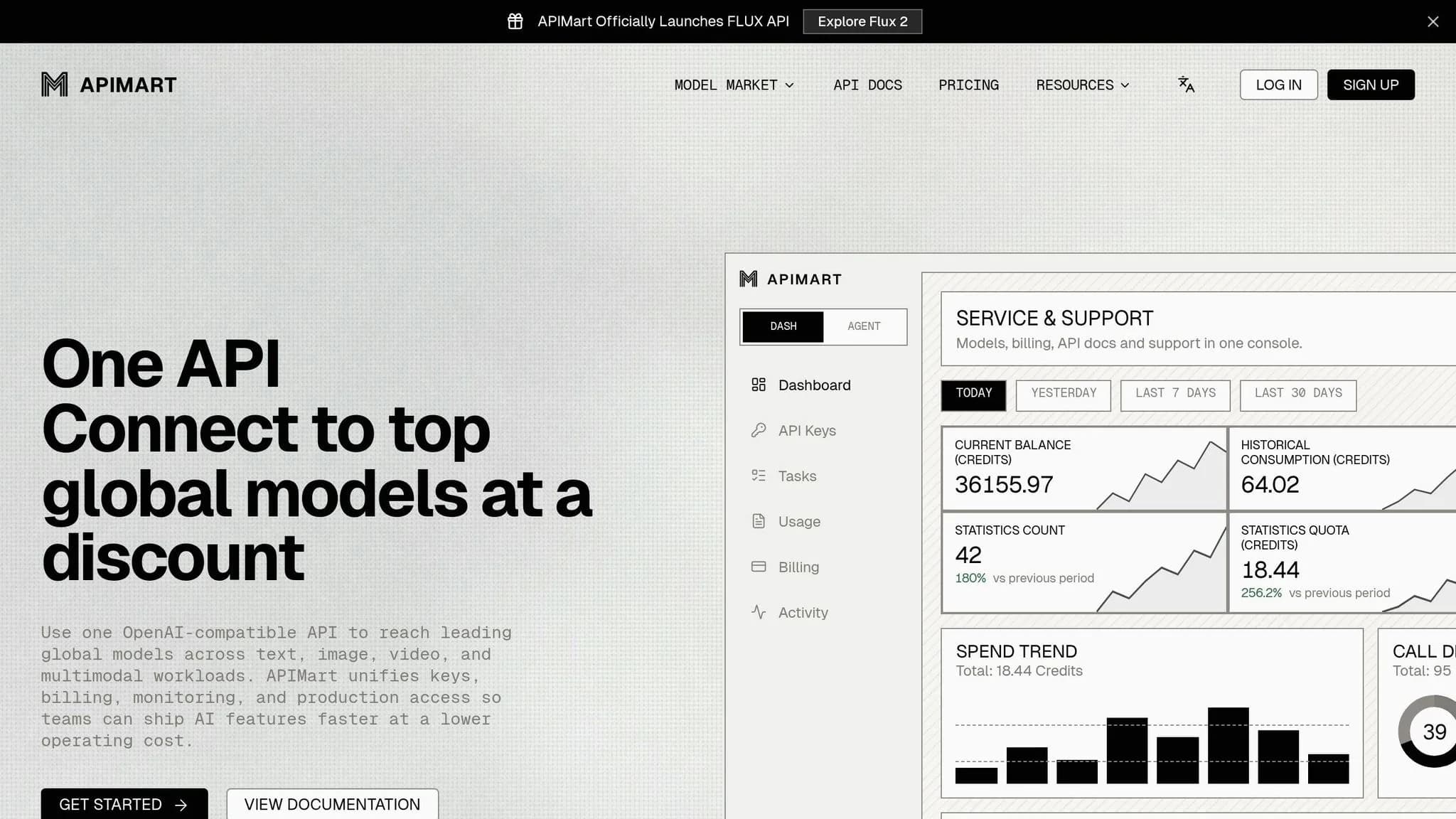
At that point, integration design matters just as much as model output.
Music generation is almost never the only job in a production workflow. A 60-second ad might need a script, voiceover, visuals, and a music track, all moving at the same time and stitched together later. APIMart provides access to 500+ AI models through a single OpenAI-compatible API, which can help teams run Lyria 3.5 next to language, image, and video tasks without juggling separate integrations [website].
That can make billing simpler and cut some of the tool-switching drag. The plain test is whether one API saves time on routing, review, and handoffs.
Conclusion: a practical framework for evaluating Lyria 3.5
Lyria 3.5 comes down to two simple checks: do the vocals sound more lifelike and emotionally expressive, and does longer context lead to music that stays steady and coherent across up to 184 seconds? If the answer is yes, the next step is practical: check workflow fit, access, and export handling.
For timbre testing, try prompts like "Airy Female Soprano", "Deep Male Baritone", or "Raspy Rocker", then review lyric clarity in the languages your project needs [4][5].
Use section tags and timestamps to confirm that the structure holds across the full 184-second run [2]. If it falls apart there, the model isn't ready for production. A track that drifts in mood or slips out of tempo halfway through a full 184-second run isn't production-ready, no matter how strong the first 30 seconds sound.
Key points to carry into internal testing
Test Lyria 3.5 in three areas:
- Vocals: This matters most when lyrics and emotion do the heavy lifting, like ads, educational audio, and narrative-led creator content.
- Continuity: This matters most when a track needs to keep its structure without wandering, like game soundtracks, ad jingles, and other longer-form music work.
- Workflow fit: This comes down to three practical checks - whether you need API access, whether you need MP3 or WAV export, and how cleanly the output drops into your media pipeline.
Use Lyria 3 Clip to refine prompts before running a full Lyria 3.5 Pro generation.
FAQs
How should I test vocal quality?
Define clear vocal traits in your prompts, like gender, texture, or range. For example, you might ask for an airy female soprano or a raspy rocker. Then keep fine-tuning those details until the vocals line up with the sound you want.
It’s smart to start with the faster preview model first. That gives you room to test different vocal prompts without wasting time, then move to full-length compositions once you’ve found a voice that fits.
Can Lyria 3.5 make full songs?
Yes. Lyria 3.5 can generate full-length songs with the Pro model. It can create complete tracks up to 3 minutes long, with parts like verses, choruses, and bridges.
The Clip model is limited to 30-second segments. Pro gives you more control over song length and musical flow, whether you guide it with text prompts or structural tags.
What are the main workflow limits?
Lyria 3.5 comes with a few workflow limits you’ll want to plan around:
- Single-turn generation only. That means you can’t keep refining the same clip across a back-and-forth prompt chain.
- You get one audio clip per prompt, with a max length of 184 seconds.
- Safety filters block requests for specific artist voices or copyrighted lyrics.
There’s also an API cap to keep in mind: 10 regional online prediction requests per minute per base model.
Choose the model you want in the model marketplace
Try chat, image and video models in the APIMart model marketplace, and experience model capabilities quickly with one unified API.